TL;DR
- Monitoring Facebook groups for keywords means catching posts that signal hiring intent — not every mention of your trade in passing.
- Build around three layers: intent phrases, service phrases, and location phrases. Add exclusions so you skip hiring threads, memes, and out-of-area posts.
- Manual Facebook search works for one group; multi-group coverage needs continuous alerts.
- GroupSignal watches public and private groups and emails you matches so you can reply while the thread is still open.
Why keyword monitoring matters
Homeowners rarely type a perfect service name into a group search box for you. They post in plain language: "anyone know a good plumber in [Town]?" or "AC not cooling — who do you use?" If you only check groups when you remember, you miss the useful window.
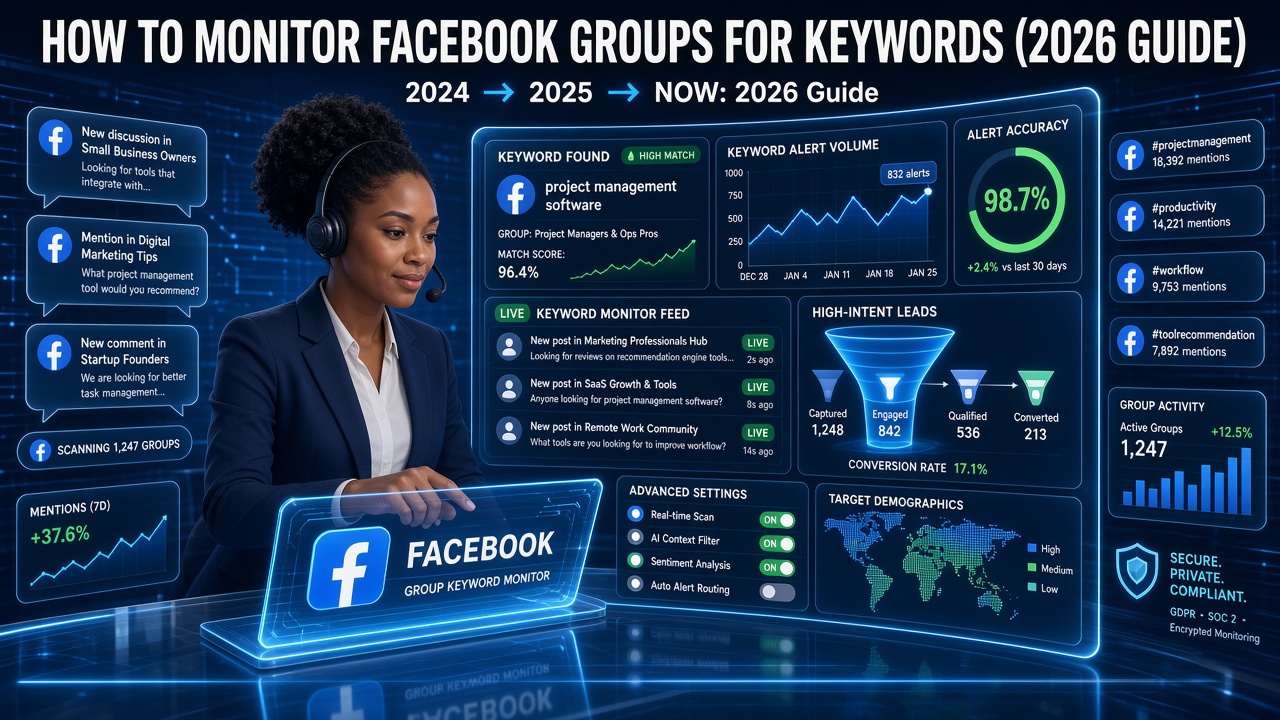
Facebook group keyword monitoring is just a systematic way to catch those posts. The goal isn't a giant dictionary — it's a short list of signals that mean someone is ready to hire in your service area. For the broader tool landscape, see the Facebook group monitoring tool guide.
Intent, service, and location keywords
Intent keywords
These mark an ask, not a story. Common ones: recommend, looking for, need, anyone know, who do you use, suggestions, can someone. Pair them mentally with your trade — "recommend" alone is noise; "recommend a plumber" is a lead.
Service keywords
Use what homeowners actually say, not only your invoice line items. Plumbers hear water heater, leak, clogged drain. HVAC hears no cool, furnace, AC repair. Electricians hear breaker, outlet, panel. Roofers hear leak, missing shingles, storm damage. Match the language in your local groups.
Location keywords
Town names, subdivisions, and nicknames matter when you cover multiple areas — or when a regional group mixes cities you don't serve. Location filters keep Facebook group keyword alerts relevant instead of flooding you with jobs two hours away.
Get alerts for the posts that match your trade and towns.
Start watching your groupsExclusions that cut the noise
What you ignore is as important as what you watch. Common exclusions for contractors:
- Hiring / "looking for work" — job-seeker posts, not homeowners.
- DIY-only threadswhen the poster clearly wants free advice and says they won't hire.
- Out-of-area towns you never service.
- Wholesale / wholesale-supply chatter in trade groups if you only want homeowner asks.
- Competitor brand warsand meme posts that name your trade but aren't buying.
Start tight. Widen only when you're sure you're missing real jobs, not when you want more notifications for their own sake.
Manual search vs a monitoring tool
Facebook's in-group search and notifications are free. For a single quiet group, searching a few phrases each morning can work. It falls apart when you watch many groups, including private ones, and jobs land while you're on a truck.
A dedicated tool checks continuously and pushes Facebook group keyword alerts to email. That's the difference between "I check when I can" and "I reply in the first wave." Manual scrolling still has a place for relationship posting — monitoring is for not missing the hire-me threads.
A practical setup
- List 5–15 groups that cover towns you actually service.
- Write a short intent list and a short service list from real posts you've already seen.
- Add location names for multi-town coverage; exclude towns you skip.
- Decide who owns replies — same urgency as an inbound phone lead.
- Review matches weekly: drop noisy phrases, keep the ones that book jobs.
Trade-specific playbooks for plumbers, HVAC, and electricians show what those posts look like in the wild.
How GroupSignal fits
GroupSignalmonitors public and private Facebook groups on a continuous schedule and emails you when a post matches your trade and service area. You don't babysit search boxes or maintain a brittle keyword spreadsheet — matching is built around what you actually do and where you work.
Plans run $79–$199/mo depending on group count. Start watching your groups if you want keyword-style coverage without living in Facebook all day. We alert you; you reply as the local company.
Turn group keyword matches into inbox alerts.
Start watching your groupsFAQ
What does it mean to monitor Facebook groups for keywords?
It means watching selected groups for posts that match phrases related to your business — like someone asking for a plumber, AC repair, or a roofer in your town — instead of scrolling every feed yourself.
Should I track every possible synonym?
No. Start with high-intent asks (recommend, looking for, need), your core services, and the towns you cover. Add synonyms only when you see real posts using them. Over-broad lists create noise.
Do private groups support keyword monitoring?
Yes, if the tool can reach them. Many of the best neighborhood groups are private. Public-only coverage misses a big share of local recommendation traffic.
Will GroupSignal auto-comment when a keyword matches?
No. We send you an email alert. You reply yourself. We don't post, comment, or DM homeowners on your behalf.
How fast should keyword alerts arrive?
Fast enough that you can reply in the first hour on urgent threads. Continuous checks beat once-a-day digests for home service jobs.
Ready to stop scrolling groups yourself?
Start watching your groups